
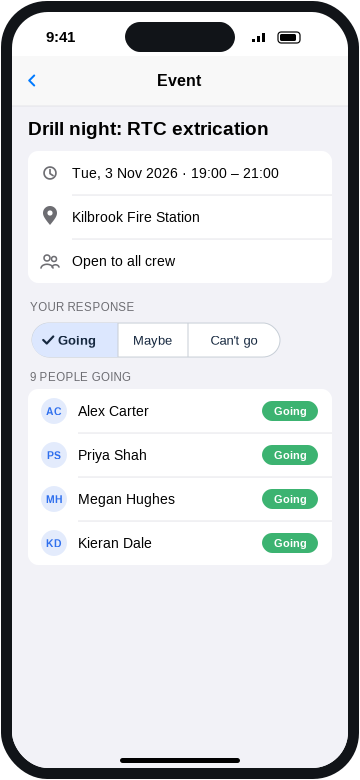
Use events for drill nights, training courses and station get-togethers. Crew can reply Going, Maybe or Can't go, so you know who to expect.
On the dashboard
- Go to Events & training and choose New event.
- Add a title and location, and set when it starts and finishes.
- Leave Open to the whole station on to invite everyone, or switch it off and tick who's invited.
- Choose Save event.
The page lists Upcoming events, soonest first, and Past events. Each one counts who's going, not going, unsure and hasn't replied. Choose Attendees to see names.
In the app
Open the side menu and tap Events. Tap + to create one, or tap an event and choose your response: Going, Maybe or Can't go. Switch between My events and All events at the bottom.
Who can change an event
Anyone at the station can create an event. Only the person who created it, or a station admin, can edit or delete it.
On the crew board
On iFire and iRescue, open events in the next 7 days show on the crew board under At the station.