
Station admins can download everything iOnCall holds for the station, to keep their own records or to take it with them if the station leaves.
Download your data
- Go to Station settings and find Export station data.
- Choose Export station data. It shows Preparing export... while it builds the file.
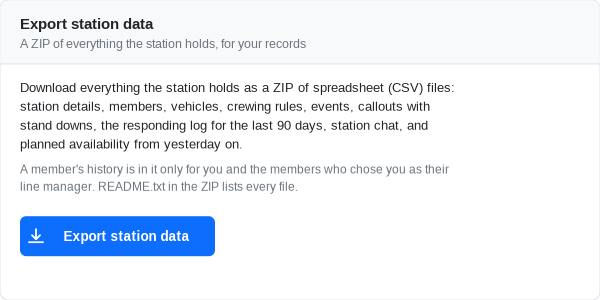
You get a ZIP of spreadsheet (CSV) files you can open in Excel or Google Sheets. A README.txt inside lists every file and what isn't included.
What's in it
- Station details, members and their contact details, ranks, qualifications and crew numbers.
- Vehicles, crewing rules, station settings and duty patterns.
- Events and replies, callouts with stand downs, and the responding log for the last 90 days.
- Station chat, and planned availability from yesterday on.
What's held back
A member's history (older plans, availability changes and status history) is only included for you and the members who chose you as their line manager, the same as on the dashboard. Members who keep their plan private are left out of the plan unless they chose you. Passwords, devices and GPS positions are never included.
The export works whether or not the station has a subscription.