
The Resource finder in iFire and iRescue maps fire hydrants, defibrillators and known fire risks near you, shared by crews in your area. iCrew doesn't have it.
Find the nearest
- Open the side menu and tap Resource finder.
- Use the Map tab to look around, or the Nearest tab for a list by distance. Filter by Hydrant, Defib or Risk.
- Tap one to see its photo, how far away it is and an arrow pointing to it. Open in maps gives you directions.
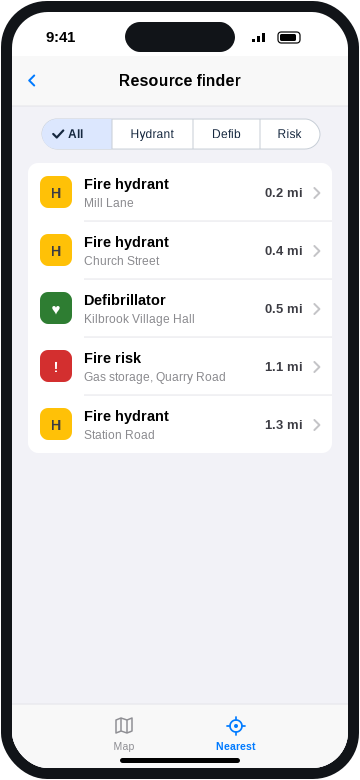
Use the layers button to show or hide hydrants, defibrillators and risks. Your choice is saved to your account.
Add a hydrant or defib
- Stand next to it and tap +.
- Choose Fire hydrant or Defibrillator and take a photo. Your location is added for you.
New resources show as Pending until a moderator approves them. You'll get an email when yours has been reviewed.