
Sign out of this phone
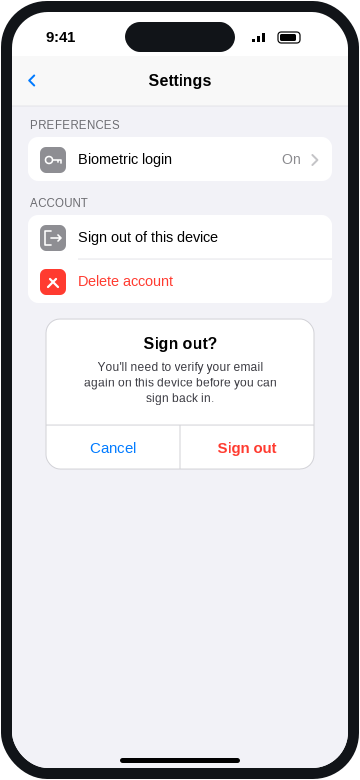
Go to Settings and tap Sign out of this device. You'll need to verify your email again to sign back in on this phone. While signed out, this phone gets no callout alerts.
A new phone
Install the app on your new phone and sign in with the same email address. Your stations, plans and settings come with you, including your alert tone. Send yourself a test alert to check the new phone rings: see Making sure callout alerts reach you.
Quick unlock
To make the app ask for Face ID, your fingerprint or your passcode when it opens, switch on Biometric login in Settings.
Delete your account
- Go to Settings and tap Delete account.
- Switch on Yes, I want to delete my account.
- Tap Delete account.
This can't be undone.
Subscriptions
The app doesn't sell anything. Features that need a subscription are covered by your station's subscription, which a station admin sets up on the Station Dashboard. If you still pay for an old personal subscription, you can cancel it in Settings › Manage subscription, because your station's subscription now covers everything it did.