
An observer is someone who belongs to your station but isn't crew. A trustee, a station manager who doesn't turn out, or a coordinator are typical examples.
What changes for an observer
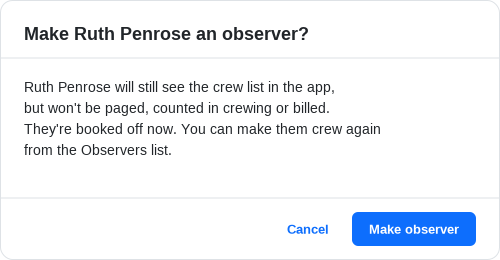
- They still see the crew list in the app, so they know who is available.
- They're never paged, and callouts don't go to them.
- They don't count towards crewing rules, warnings or the crew board.
- They aren't billed, so they don't add to your station subscription.
- They're booked off when you make them an observer.
Make someone an observer (admins)
- Go to Crew.
- Choose the ⋮ menu on their row, then Make observer.
- Read the message and choose Make observer.
An admin can't be made an observer. Choose Remove admin first if you need to.
Make an observer crew again
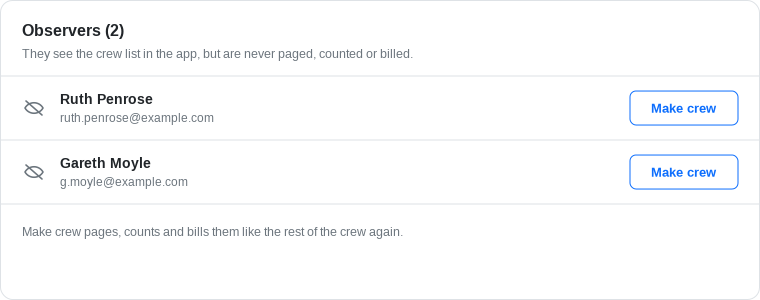
Observers are listed in the Observers card on the Crew page. Choose Make crew next to their name and confirm. They're paged, counted and billed like everyone else again.
What it looks like for the observer is covered in Being an observer at a station. For the other roles at a station, see Roles at your station.