
Found the app in the store, but nobody at your station uses it yet? You can't join a station that isn't on the app, but you're not stuck.
Tell your station
At the bottom of the Get started screen it asks Is your station on iFire yet? (or iCrew, or iRescue).
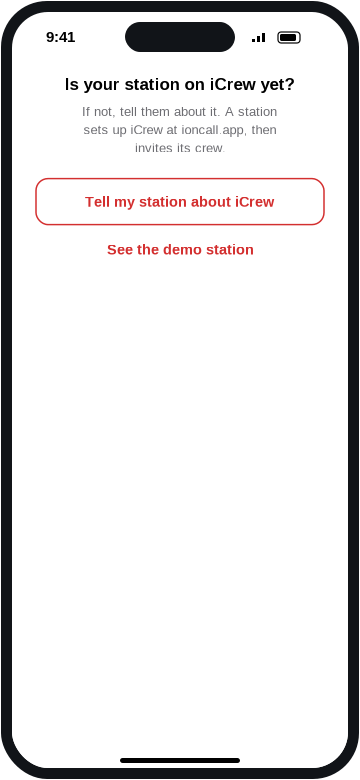
- Tap Tell my station about iFire to send a ready-made message to your station manager or crew. It explains that a station admin sets the app up at ioncall.app and then invites the crew.
- Tap See the demo station to look around Kilbrook, a made-up station with made-up crew, so you can see how the app works.
Setting up your station
A station admin sets up the station on the Station Dashboard and then invites the crew. See Setting up a new station.
Some versions of the app also offer Create a new station on this screen. If you see it, you can create the station in the app: give it a name, choose its timezone and tap Create station. You become its admin and can invite your crew straight away.
Already on the app, but not on your station?
If your station does use the app, ask your admin or a crew mate for an invite code. See Joining your station with an invite code or link.