
Version 5.0.15 of iFire, iCrew and iRescue is rolling out now in the App Store and Google Play. It's the biggest update the apps have had. Here's what's new, with a link to the help article for each.
Station chat
- Photos: send pictures to your station chat from your camera or library.
- Search: find old messages by searching the chat.
- Report or remove a message: press and hold a message. Report someone else's to your station admins, or remove your own.
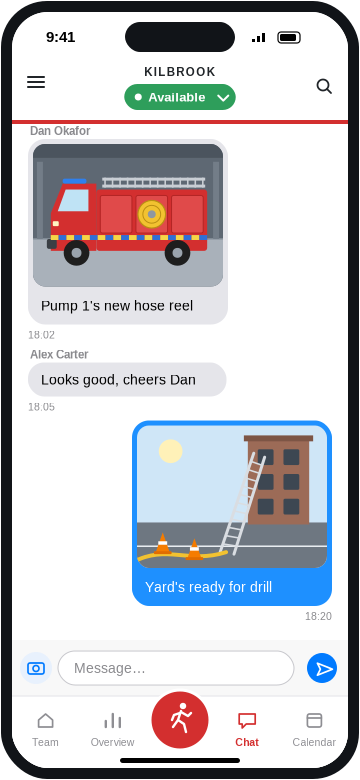
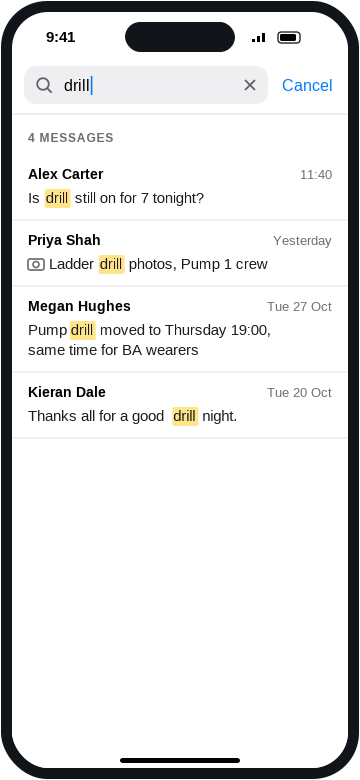
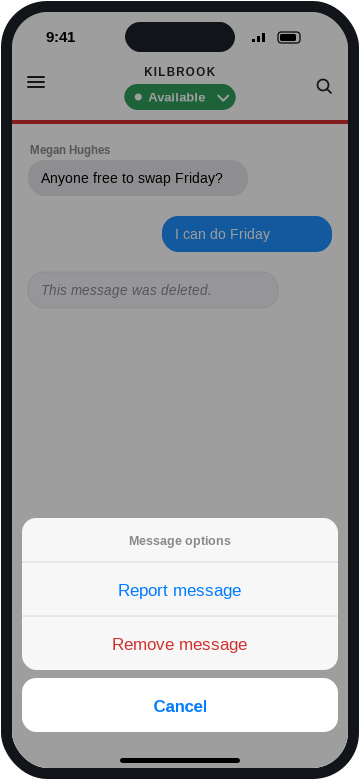
Station chat, photos and search · Reporting or removing a chat message
Callouts
- Stand down from the app: station admins can stand a callout down, and everyone sees who stood it down and when.
- Delays and arrival times: tell your crew you're delayed and by how long, and say when you'll arrive when you respond.
- Your alert tone: choose the tone that sounds for a callout, and send yourself a test alert to check it.
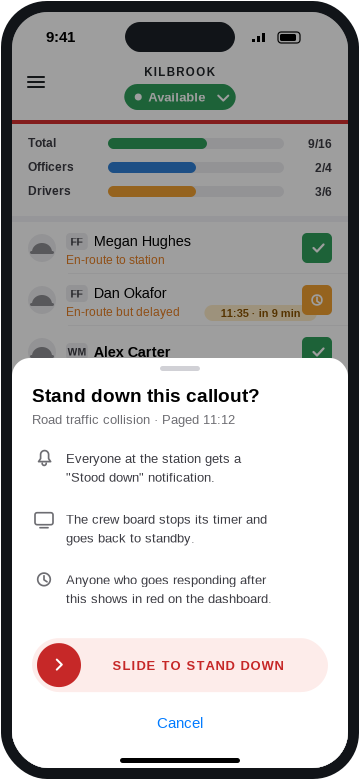
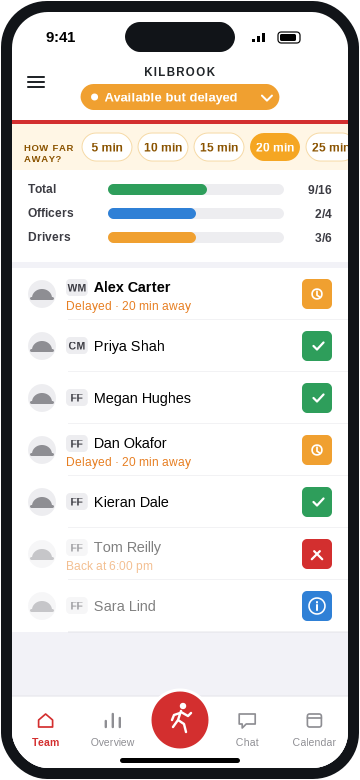
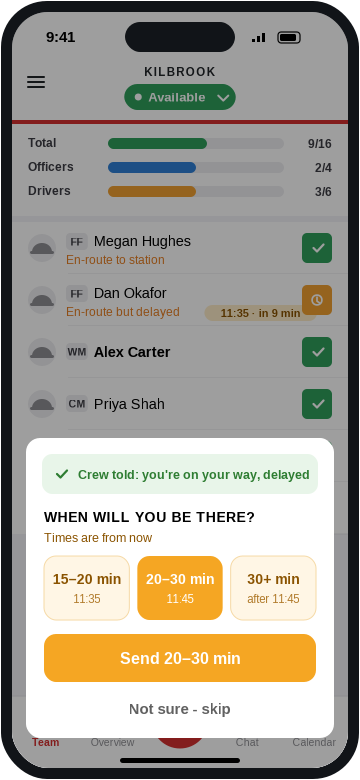
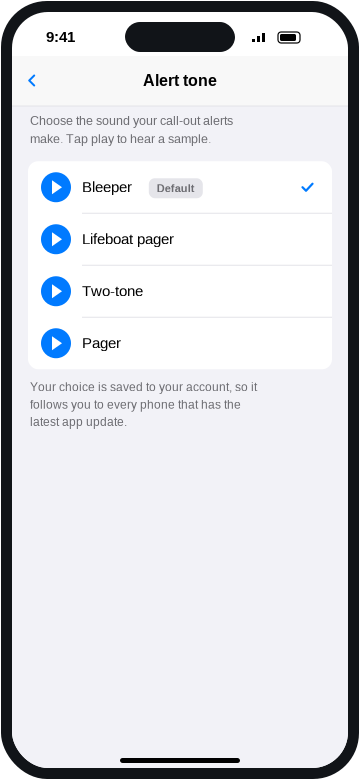
Standing down a callout from the app · Available but delayed · Choosing your callout alert tone
Your availability
- Book off sick from Book time off. Your station only sees that you're unavailable.
- Calendar link: put your plan and your station's events in your phone's calendar.
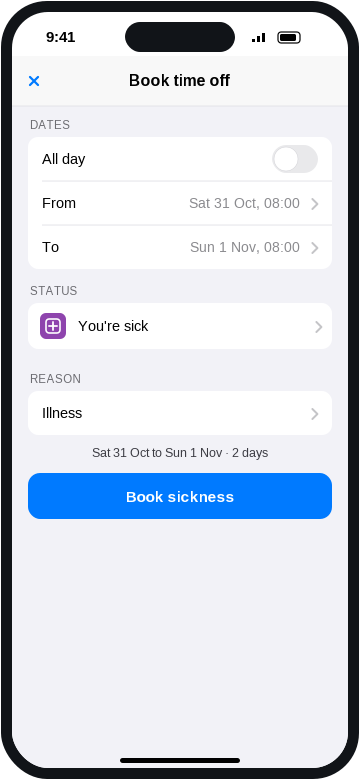
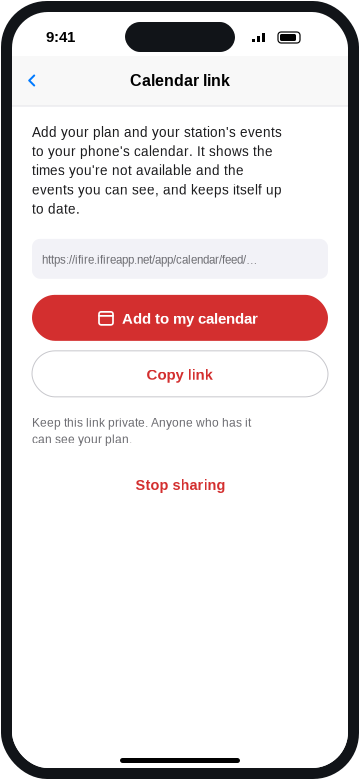
Booking yourself off sick · Adding your plan to your phone's calendar
Training, vehicles and safety
- My training: your hours, qualifications, renewal dates and certificates in one place.
- Vehicle checks and kit QR codes: complete checklists and scan kit labels from the app.
- Report a safety issue: a near miss, injury or damage, without your name if you prefer.
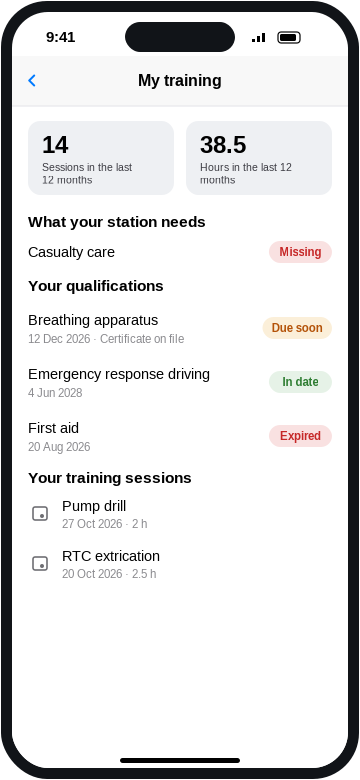
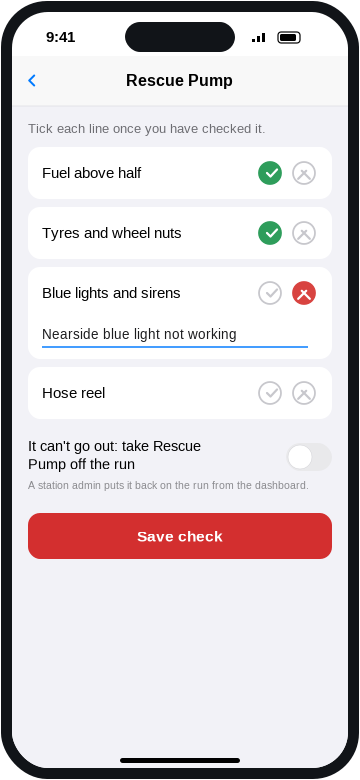
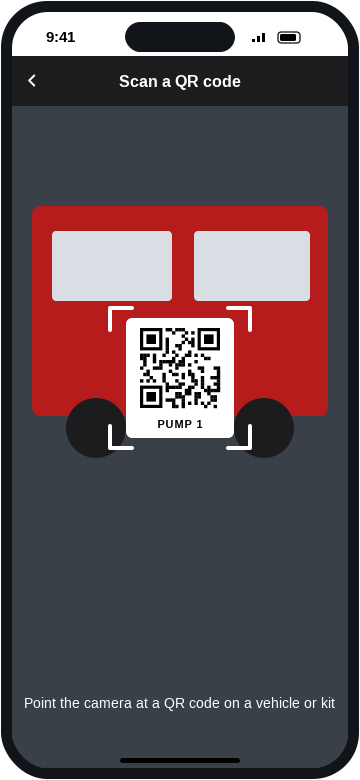
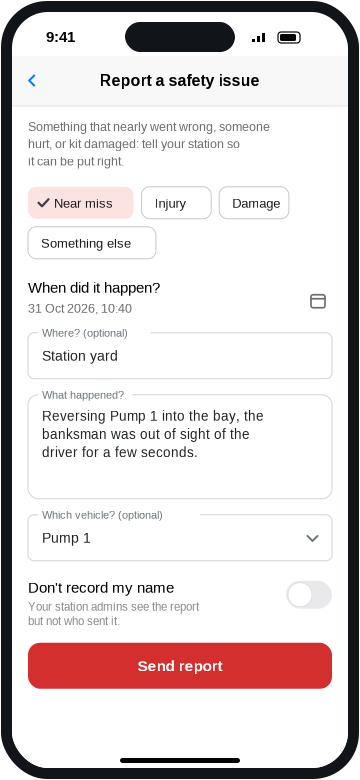
My training · Doing a vehicle check · Scanning vehicle and kit QR codes · Reporting a near miss or safety issue
Your station
- Noticeboard: see the notices your station pins from the dashboard.
- Join by QR code or link: scan your station's QR code or tap an invite link, instead of typing a code.
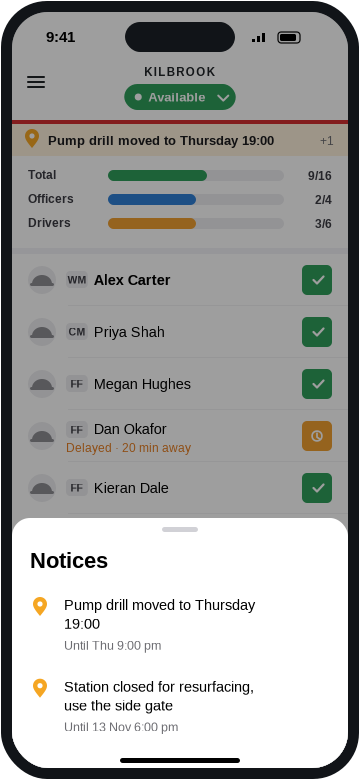
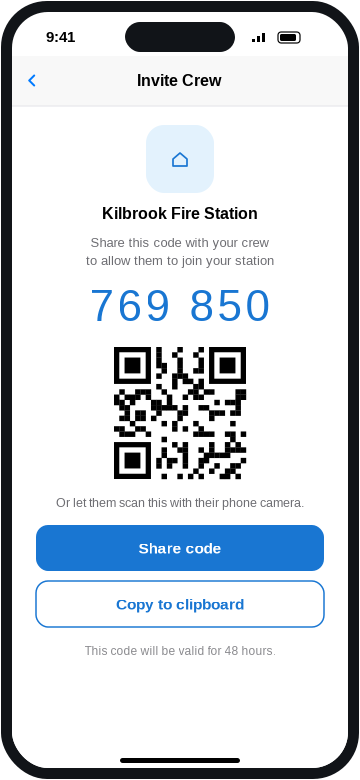
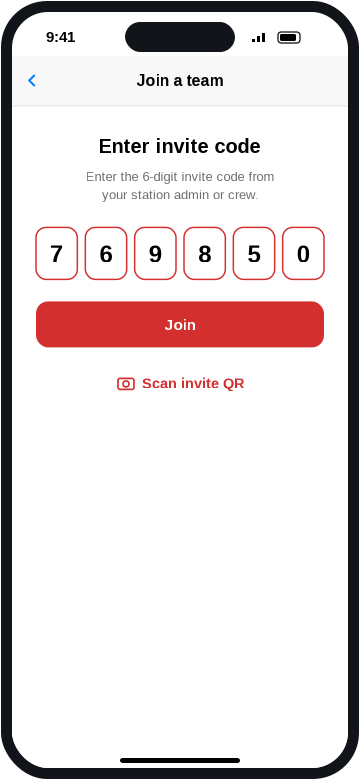
The station noticeboard · Joining your station with an invite code or link
Get the update
Open the App Store or Google Play and update iFire, iCrew or iRescue. If you've got a question, the help centre has a guide for everything in the app and on the Station Dashboard.